
The best password manager tools 2025
Password manager reviews and recommendations:
Put a stop to using the same passwords for every app, leaving you more open to attacks, and invest in a password manager to create unique and strong passwords for all your online accounts and keep them stored so you don’t need to remember 100 different passwords at once. We have created a list of the top password managers for 2025 with the pros and cons of each one so you can find the best match for your business!
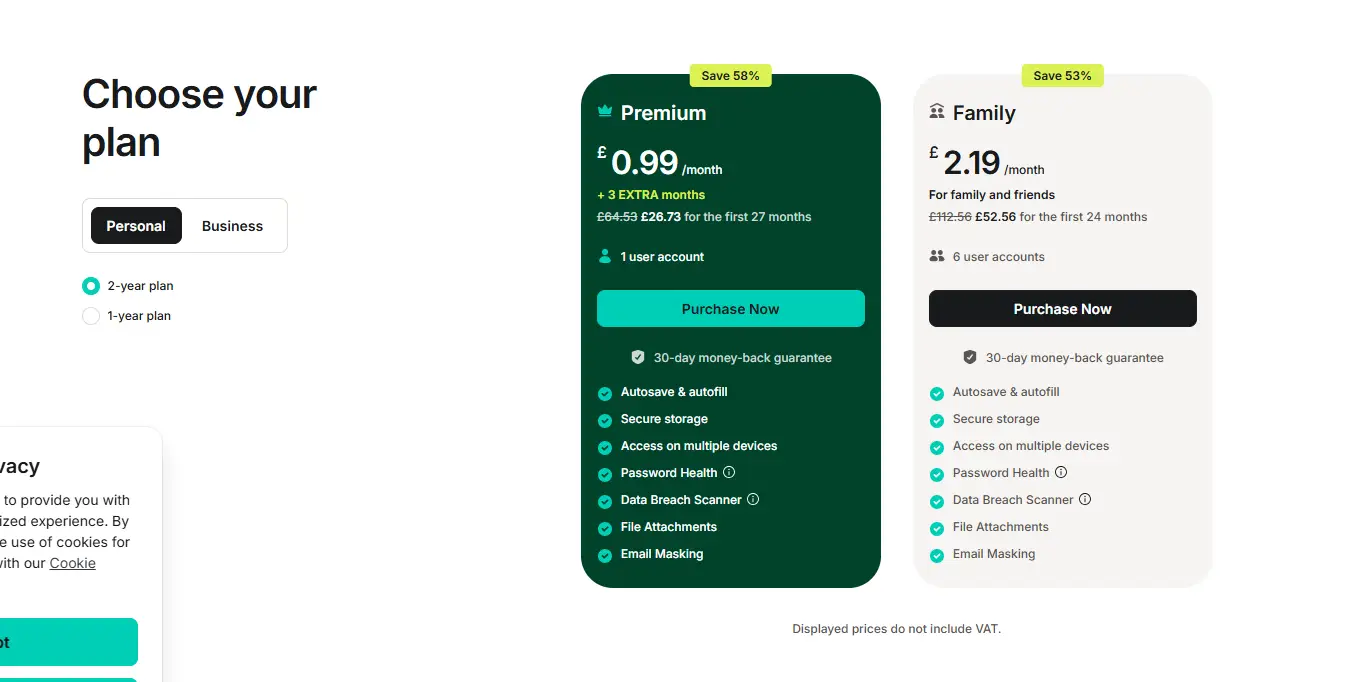
NordPass
Nordpass is the team behind NordVPN an easy-to-use service for securing your passwords via desktop and mobile apps. The free version is well designed; however, it comes with a few limitations, which is why the premium version is a better app that doesn’t break the bank. NordPass also has a sharing option for teams to use with any apps that have shared access.
Pros: User-friendly, protection from credit card and email breach scams, password health tools, emergency access, email masking tools.
Cons: Very limited free plan
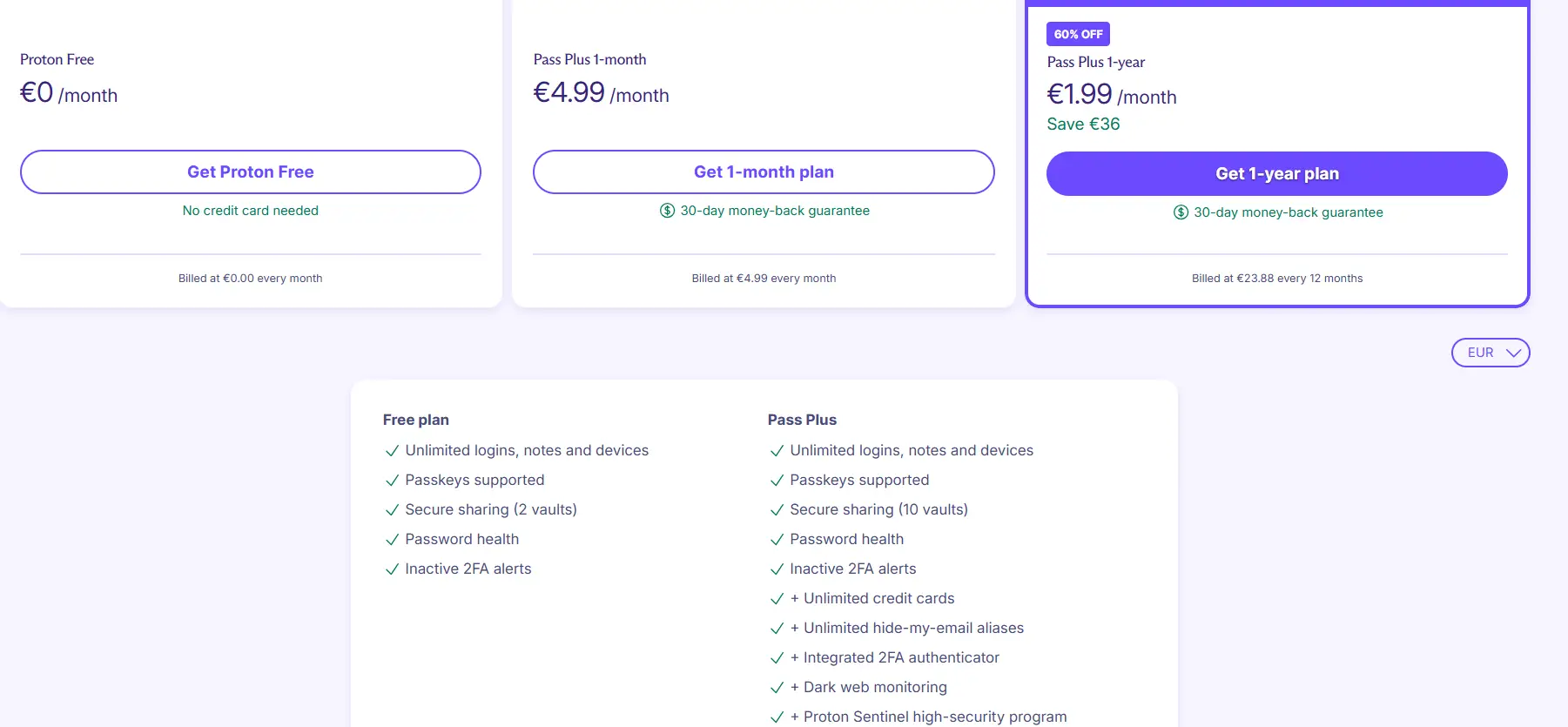
ProtonPass
PortonPass has great paid plans that are inexpensive. The app has a very minimalistic feel and an easy-to-use interface. This manager has unlimited password syncs across all devices, including premium features such as email masking, password health alerts, and more. ProtonPass also had integrated 2FA and pass monitoring, alerting you to any breaches from dark web monitoring.
Pros: free, email alias, password hygiene, smooth form filling.
Cons: No emergency access, paywall for secure link sharing, and credit card storage.
1password
1password has a very easy user interface, making it easy to find the necessary credentials.
1password includes a travel mode setting to hide your vaults when enabled, meaning if someone steals your phone, they can’t get access to your passwords. This tool is definitely best for people who frequently work in different locations or travel for work a lot.
Pros: password hygiene alerts, smooth credential capture, travel mode.
Cons: Masked emails are a paid feature, and there are no username or email breach scanning features

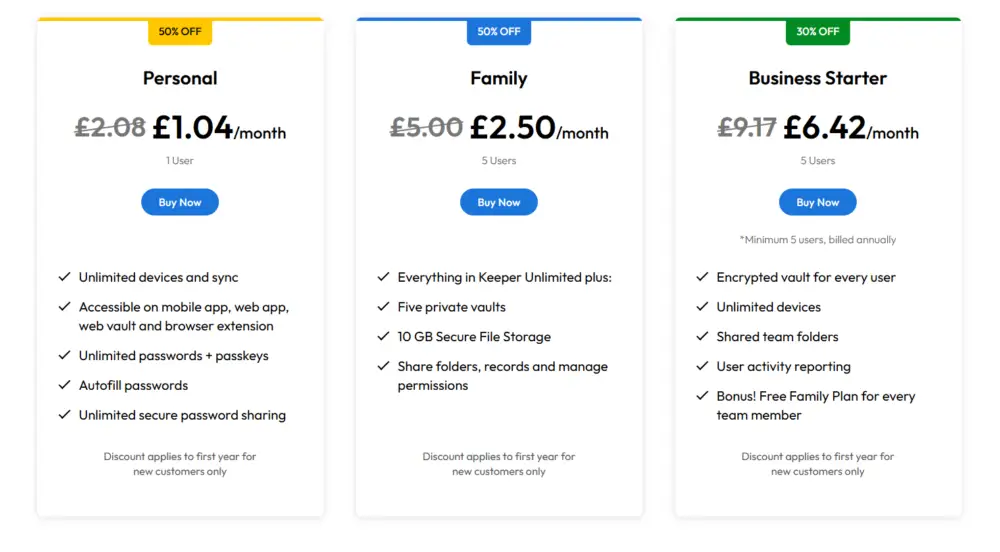
Keeper
Keeper allows you to sync passwords across a range of browsers and platforms, is easy to use, and includes data breach monitoring features and the option of extra storage (as a paid ad on.)
Keeper is best for sharing passwords for teams who need access to shared tools and applications, allowing you to create folders to share with colleagues. Keeper has an emergency access option, meaning that if you pass away, your digital legacy will go to a trusted person.
Pros: Amazing sharing system, password health tools, emergency access, retains app access history.
Cons: Paywall for data breach monitoring and more storage; accounts are not easy to delete on all platforms.
Bitwarden
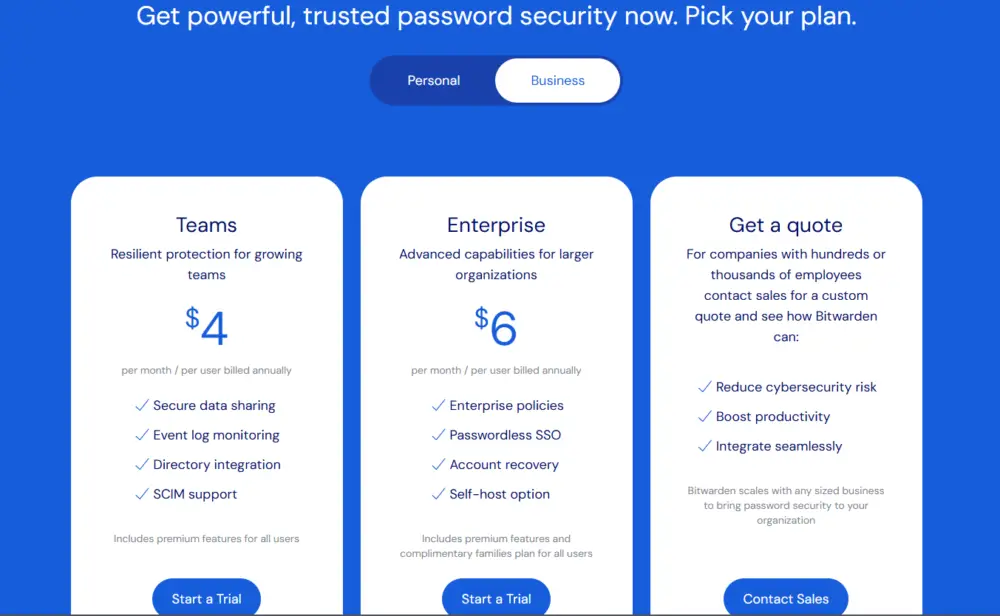
Bitwarden is a good free option for those on a budget and is similar to 1Password. The free version, however, includes less but still keeps your passwords safe. The paid version is a little more advanced, including features such as vault health reports, letting you know if any of your information has been leaked on the dark web, 1GB of encrypted file storage, and two-factor authentication options.
Pros: It has the most generous free plan, is easy to use, and has extensions for pretty much every browser.
Cons: Paywalls for 2FA and vault health reports and fewer sharing options.
When choosing the best password manager, ensure it aligns with your business needs and offers robust security features to protect your sensitive information. A well-chosen password manager not only keeps your passwords safe but also enhances overall cybersecurity for your organisation.