
Crypto Locker / Ransomware Prevention
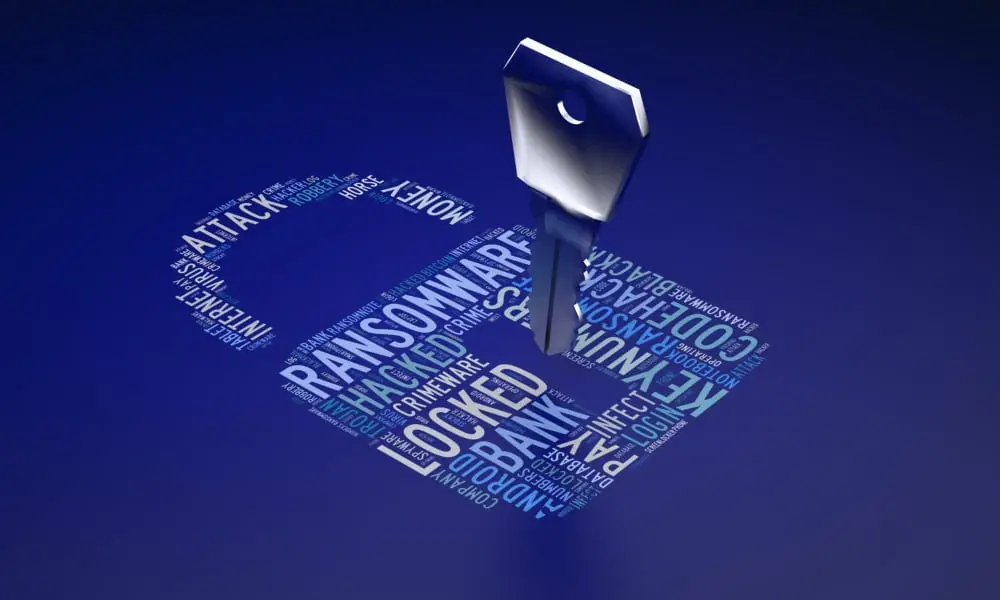
Help! I cannot open any of my documents and I think I have a virus! Can I remove it? What utility tools or are available for removal? How can I decrypt my files?
Unfortunately, these questions have been flooding the helpdesk for the last week as a new variant of the crypto locker ransomware hit the internet, so please be cautious when opening email attachments, as always if you are in doubt, call the Liberate IT team.
Cryptolocker is very hard to prevent because it creeps onto a network through unsuspecting users clicking a link they shouldn’t have, or opening an email attachment they thought was legitimate. Even the best antivirus vendors in the world cannot help you to prevent this because hackers are constantly developing their methods as quickly as the antivirus and filters develop their defence, and now and then the hackers get a small window in which even the best antivirus and email filters don’t spot them. With crypto locker, prevention really is the best defence. We keep our client’s antivirus and mail filters up to date with the latest definitions and software developments but training and awareness is the true cure. Here are some tips:
The best defence is as always:
- Make sure all your computers have antivirus software installed and up to date – look out for warning symbols or popups from our antivirus informing you there is a problem, and get in touch with Liberate if you spot them.
- Make sure you are using a good mail filter, Office365’s built-in cloud filter is the best built-in option, but consider upgrading to a vendor such as Mimecast.
- Never open a suspicious email. Contact the IT helpdesk if you are ever unsure, it is what we are here for.
- Never click or open suspicious website links and certainly don’t download and open suspicious files.
- Keep a good backup of your data. Oddly enough the easiest way around the virus is to restore files to before they were encrypted. If you are a Liberate IT support customer we are already taking care of this for you, but always make sure you save valuable data to the server and not your PC.
- Train your staff to spot the tell-tale signs of a virus or malicious file. Get in touch with Liberate about our IT security training for your staff.
By the time we published this article, our antivirus partner ESET had already released a virus definition update to stop this latest spate of ransomware, but even if you are unlucky enough to fall victim there is plenty we can do to help.
If you believe you have been infected immediately unplug your computer from the network and shut it down, this will stop the virus in its tracks and prevent any further damage. Once you have done this contact the helpdesk and an engineer will assist in removing the virus and preserving any unaffected data. Once this is done if you have lost any valuable data this can be quickly restored from a backup. If you are unfortunate enough to not be a Liberate IT support client, then I’m afraid all you can do is cross your fingers that you have a good backup that you can restore from. If you are a Liberate IT support client, then sit back and relax while an engineer sorts this all out for you.